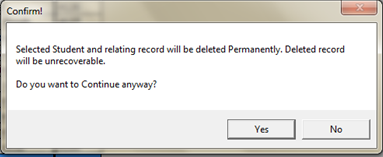
Permanently Delete Student
This form used to delete students permanently.
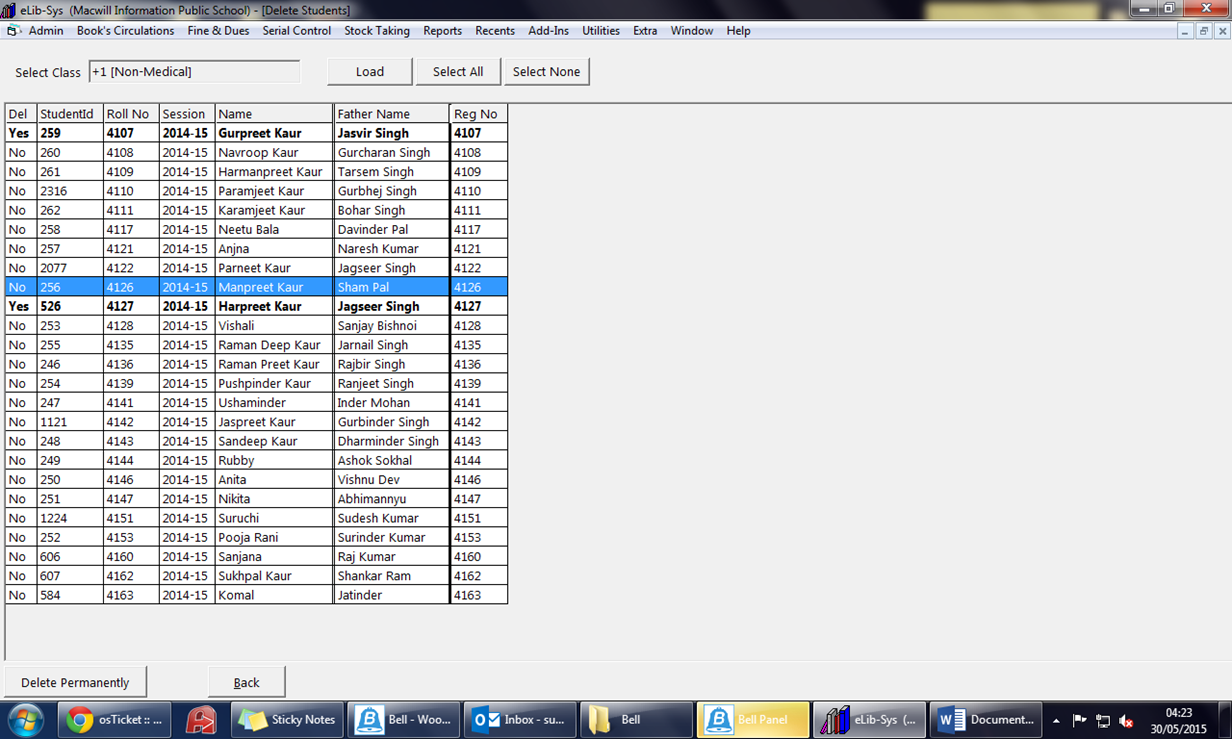
- Select class from drop down list which you want to delete permanently.
- Click on 'Load' button.
- Now Select student with double clicking for deletion, You can also use 'Select All' or 'Select None' accordingly.
- Now click on delete permanently.

- Selected students refers with 'Yes' in del Column.
Created with the Personal Edition of HelpNDoc: Easily create PDF Help documents